After careful consideration I have decided to transfer all hardware review activities to a new domain. I purchased Hardwareasylum.com in 2012 and have been working hard to build a new and improved Ninjalane on that domain. If you are reading this you have reached one of the archived articles, news, projects and/or reviews that were left behind during the site migration.
Please update your bookmarks and be sure to visit the new and improved Ninjalane at Hardwareasylum.com
ThermalTake Element S Case Review
Author: Dennis Garcia
Published: Tuesday, March 10, 2009

Breaking The Case Down
To remove the plastic covers you need to first start with the front panel. Under the door you will find this handle. Squeeze the handle shut and it will release the locks and allow you to pull the panel free. The top panel is held in place with a number of clips, moving them away exposes the top fan in its 230mm glory.
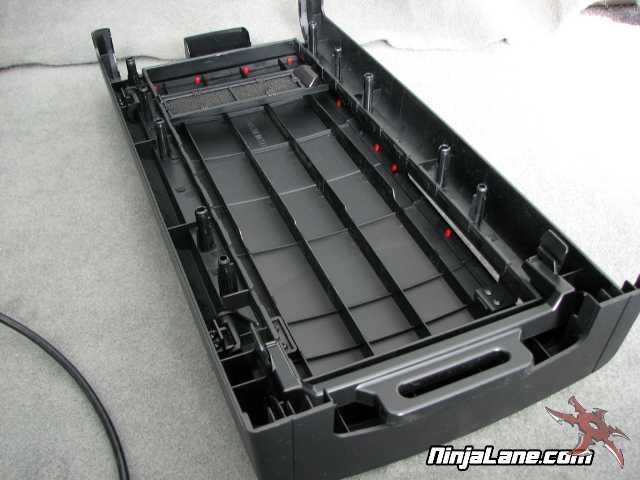
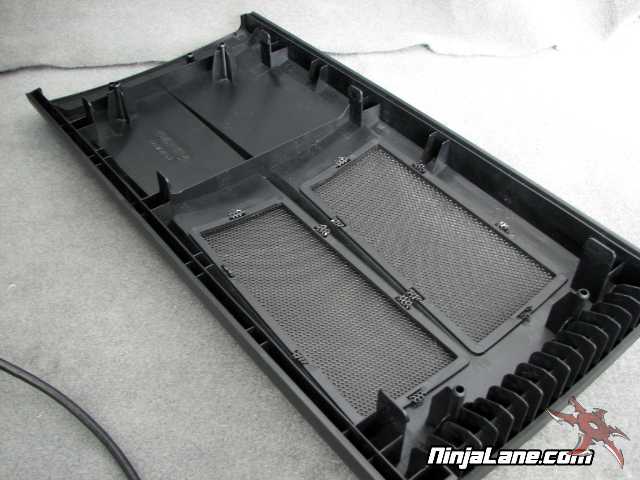
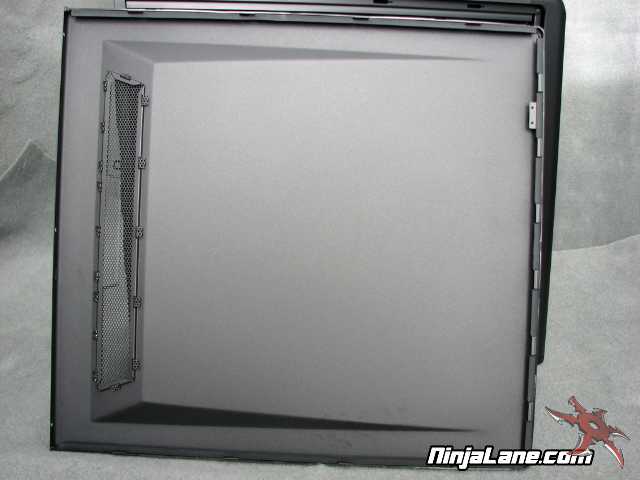
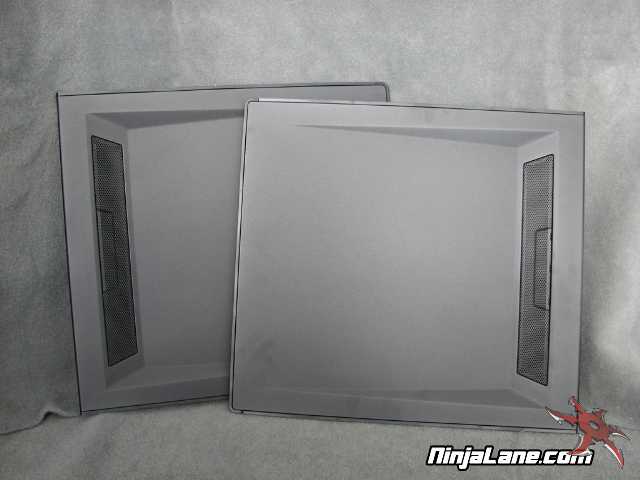
As we mentioned earlier this version of the Element S does not feature a side window or side cooling option. The panels reflect this but do feature a small cooling vent on each side.
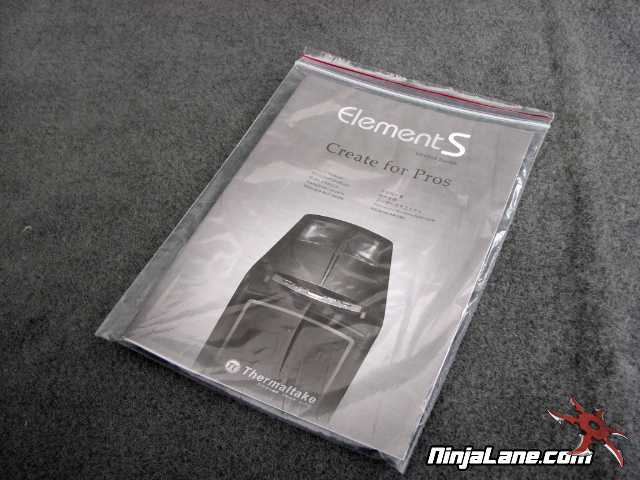
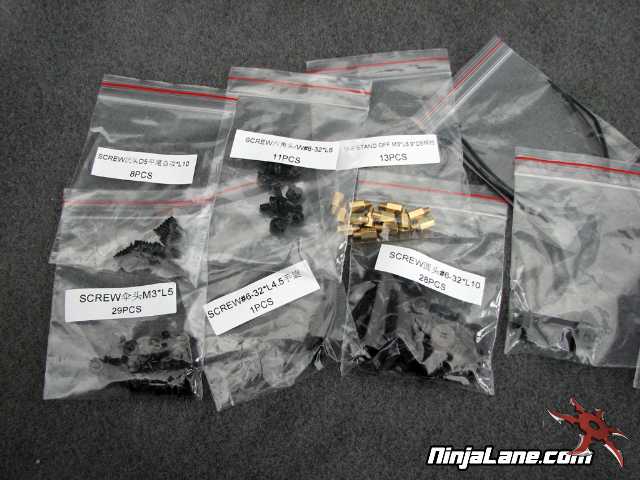
Included with the Element S is the installation manual and a huge supply of screws and mounting hardware, by far the most we have ever seen come with a case.