
After careful consideration I have decided to transfer all hardware review activities to a new domain. I purchased Hardwareasylum.com in 2012 and have been working hard to build a new and improved Ninjalane on that domain. If you are reading this you have reached one of the archived articles, news, projects and/or reviews that were left behind during the site migration.
Please update your bookmarks and be sure to visit the new and improved Ninjalane at Hardwareasylum.com
SilverStone Temjin TJ04 Case Review
Author: Dennis Garcia
Published: Monday, December 06, 2004

Case details
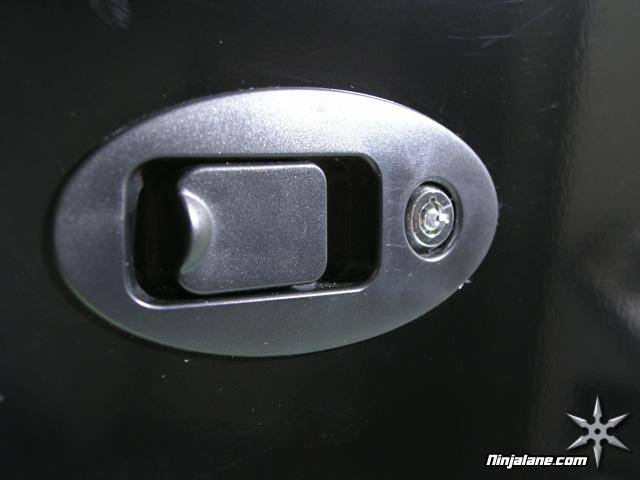
They say everything is in the details and the Temjin TJ04 has quite a few, we'll start with the side panels. The entire case comes with an excellent paintjob though from a modding standpoint the panels are not ideal. The main side panel is held in place with two finger operated locks. The top and other panel are actually a single piece so making modifications to either of these locations can become rather difficult.
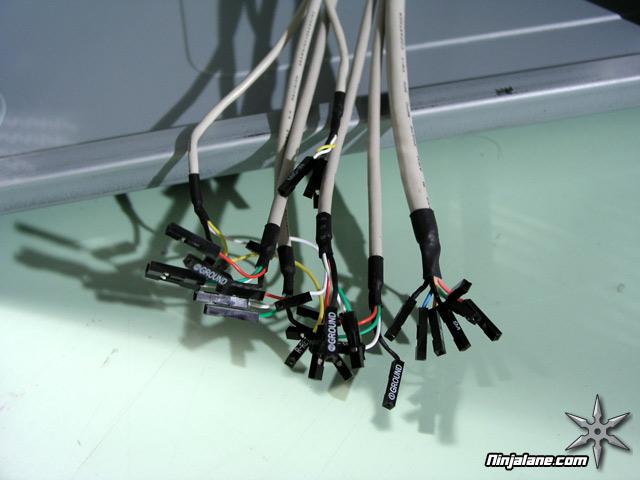
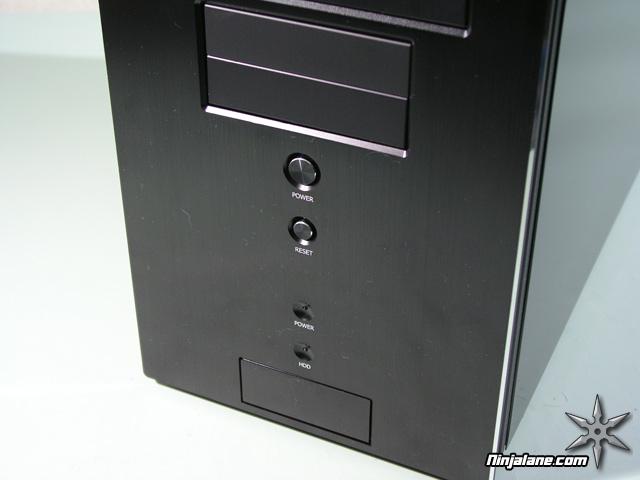
The TJ04 comes with convenient front-mounted USB and audio ports, these are located under the power and HDD LEDs behind an aluminum door. Simply press the door once to open and again to close. However hooking these ports up is a rather time consuming process that requires your motherboard manual and a little patience.
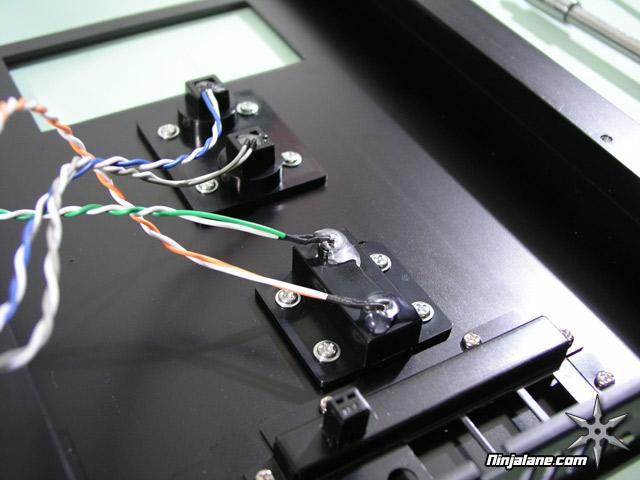
One of the most common and easiest casemods is replacing the power and HDD LEDs and with the Temjin TJ04 the mod couldn't be any easier. Simply remove the front panel and peal away the hot glue holding the LEDs in place. When you are done just glue them back down and reassemble. Just make sure to match the old and new LED voltages before reassembly.
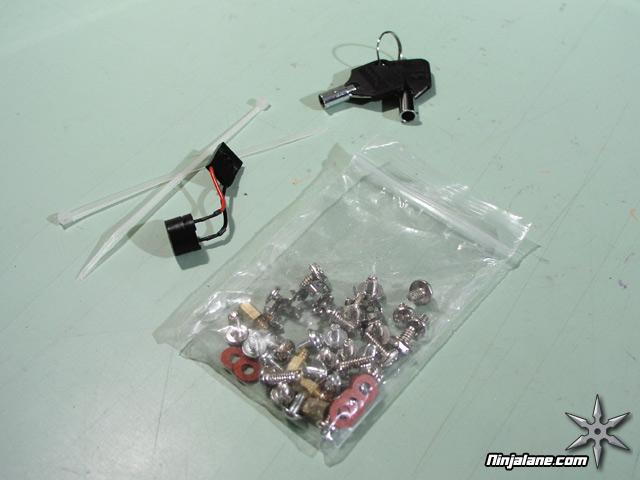
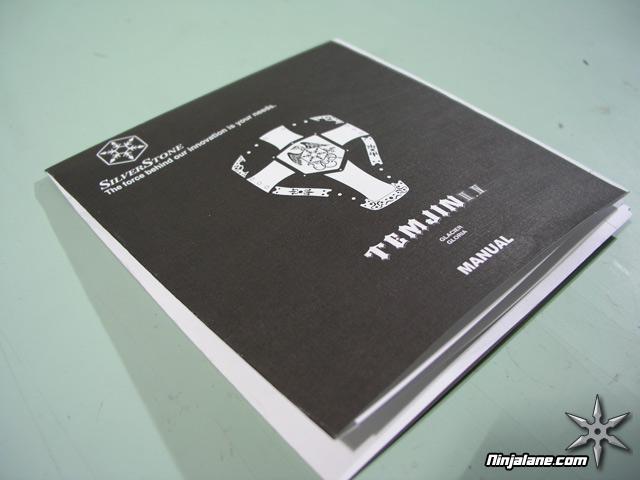
As with any case be sure to look for the complimentary "bag of screws" and installation manual before you start.