
After careful consideration I have decided to transfer all hardware review activities to a new domain. I purchased Hardwareasylum.com in 2012 and have been working hard to build a new and improved Ninjalane on that domain. If you are reading this you have reached one of the archived articles, news, projects and/or reviews that were left behind during the site migration.
Please update your bookmarks and be sure to visit the new and improved Ninjalane at Hardwareasylum.com
Thermaltake Armor A90 Case Review
Author: Jim Manis
Published: Thursday, June 24, 2010

Case Layout and Features Cont.
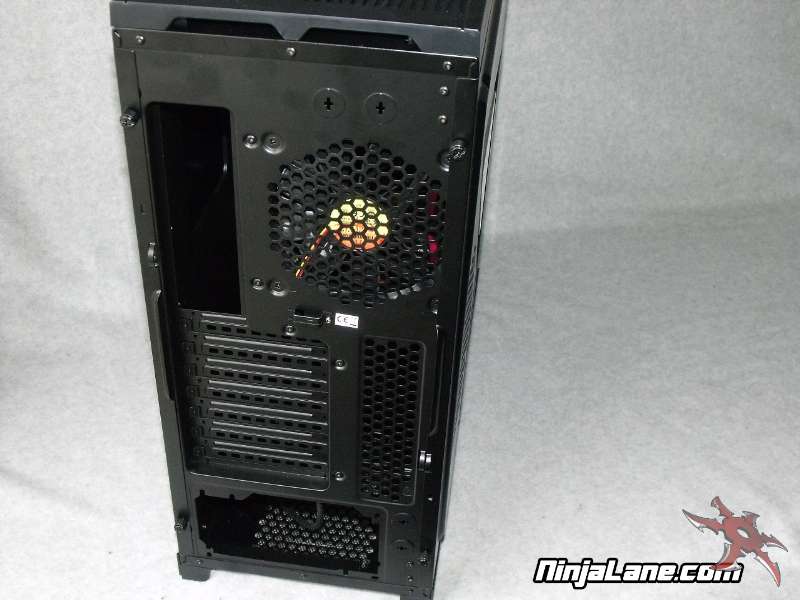
Moving around to the back of the case you will see that it is also finished in black. Of course this case features the ATX standard of seven expansion slots and I/O panel in the normal location. Worth pointing out are the dual locations for water cooling hoses. These pass thru locations have become common on most gaming and enthusiast cases and it is definitely appreciated by the people who like to liquid to cool their rigs.
This case features a bottom mounted PSU and has plenty of room to accept even the longest of power supplies. Cool air for the PSU is supplied by a large vent in the bottom and is filtered by a removable mesh filter. The filter won't stop everything but does do a good job at keeping out pet hair and other unwanted things.
This case features a bottom mounted PSU and has plenty of room to accept even the longest of power supplies. Cool air for the PSU is supplied by a large vent in the bottom and is filtered by a removable mesh filter. The filter won't stop everything but does do a good job at keeping out pet hair and other unwanted things.
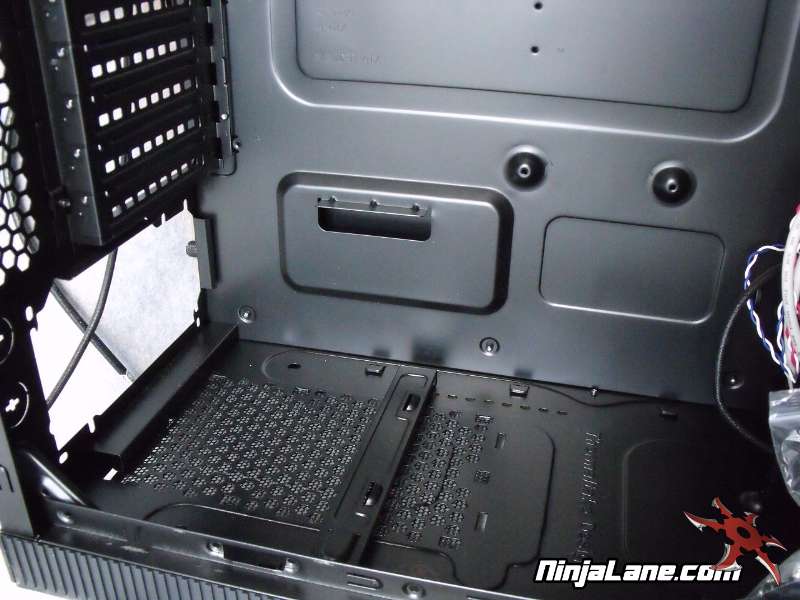
Removing the back panel door gives you access to the motherboard tray. The tray is rather typical steel construction with raised areas for motherboard mounting. There is a large opening near the CPU area which makes changing CPU coolers much easier without having to completely disassemble the system.
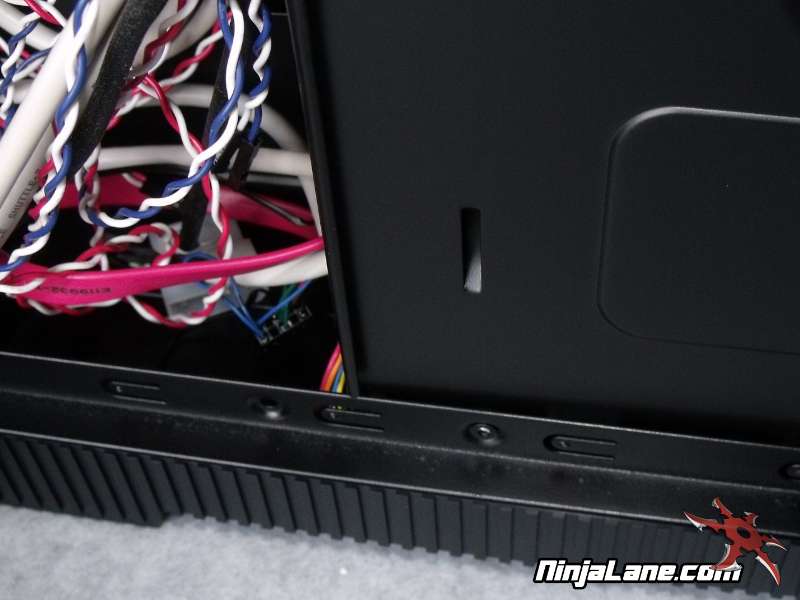
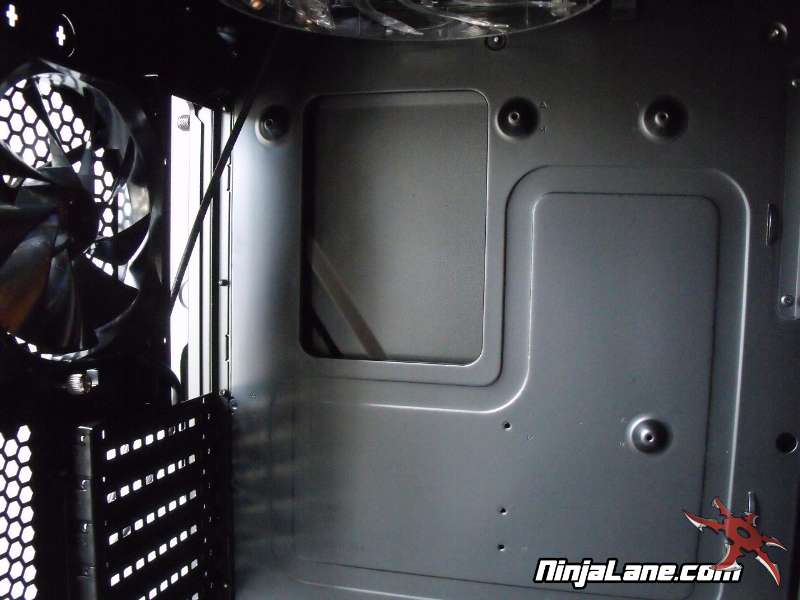
You may notice there are no ports for routing cabling behind the motherboard tray or hiding them in general. Thermaltake did include zip tie attachment points to help secure and bundle the exposed wiring but no way to completely hide it. We definitely would like to see a real solution used here but considering the price you cannot expect everything.